

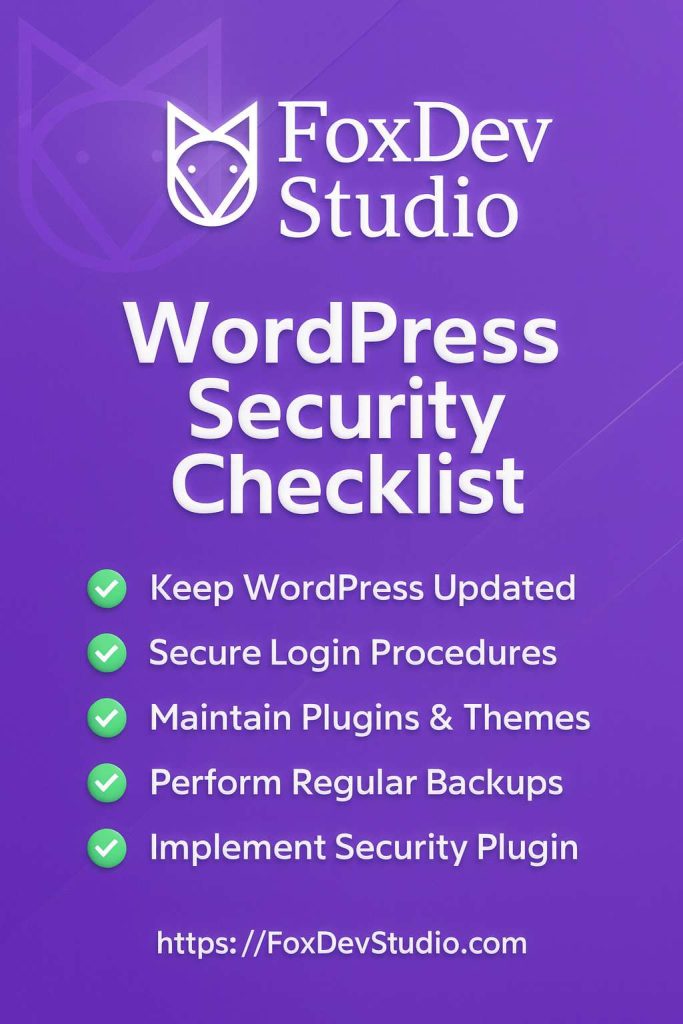
WordPress Security Checklist
WordPress powers over 40% of the web—great for flexibility, but it also attracts attackers. A single weak link can lead to breaches, downtime, or lost trust. Use this step‑by‑step checklist to harden your site and sleep easier.
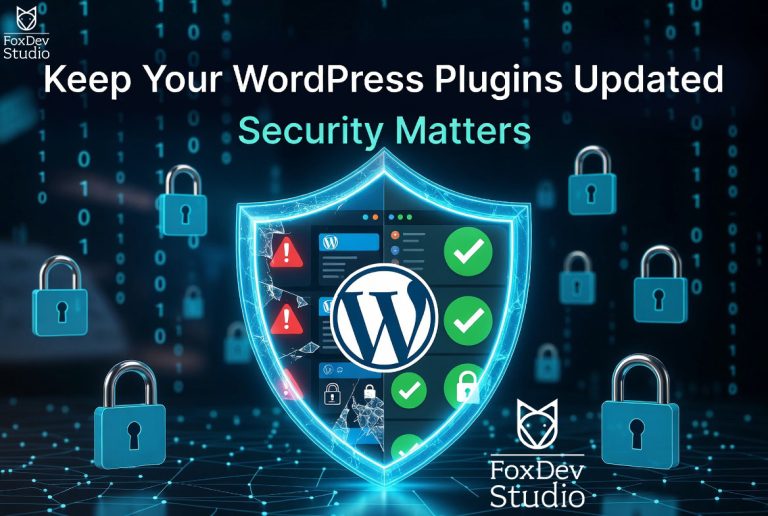
1) Keep WordPress Core, Themes & Plugins Updated
-
- Enable automatic updates where appropriate (core, minor releases, trusted plugins).
- Review and delete unused themes/plugins.
- Install only from reputable sources (WordPress.org, vetted vendors).
2) Use Strong Authentication
-
- Enforce strong, unique passwords for all users—use a password manager.
- Turn on Two‑Factor Authentication (2FA) for admins and editors.
- Limit login attempts and add a CAPTCHA to deter brute‑force attacks.
3) Protect Your Admin Area
-
- Change the default login URL from
/wp-login.php. - Restrict admin access by IP (where possible) or with a VPN.
- Disable XML‑RPC if you don’t need it; otherwise, rate‑limit it.
- Change the default login URL from
4) Harden Your WordPress Configuration
- Disable file editing in the dashboard by adding to
wp-config.php:
define('DISALLOW_FILE_EDIT', true);-
- Use strong, unique
AUTH_KEYandSALTvalues. - Restrict public access to
wp-config.php,.htaccess, and other sensitive files.
- Use strong, unique
5) Secure Hosting & Server Setup
-
- Choose a host that specializes in WordPress security and proactive patching.
- Force HTTPS everywhere with a valid TLS/SSL certificate (HSTS recommended).
- Keep PHP, database, and web server software current; disable unnecessary PHP functions.
6) Regular Backups & Monitoring
-
- Schedule automated daily backups stored off‑site (and keep multiple restore points).
- Test restores quarterly to verify recovery works.
- Run a security plugin to monitor malware, file integrity, and suspicious logins.
7) Principle of Least Privilege
-
- Assign the fewest permissions necessary (Editor, Author, Contributor).
- Remove unused users immediately and audit users quarterly.
- Use separate accounts for day‑to‑day work and administration.
8) Continuous Security Audits
-
- Run regular vulnerability scans and plugin/theme audits.
- Review server and application logs for anomalies.
- Track advisories for WordPress core, themes, and plugins.
Need a Professional Security Audit?
At FoxDev Studio, we build fast, beautiful WordPress sites—and keep them secure.
If you’d like a hands‑on hardening session or ongoing protection,
get in touch. We’ll tailor a plan to your stack and risk profile.