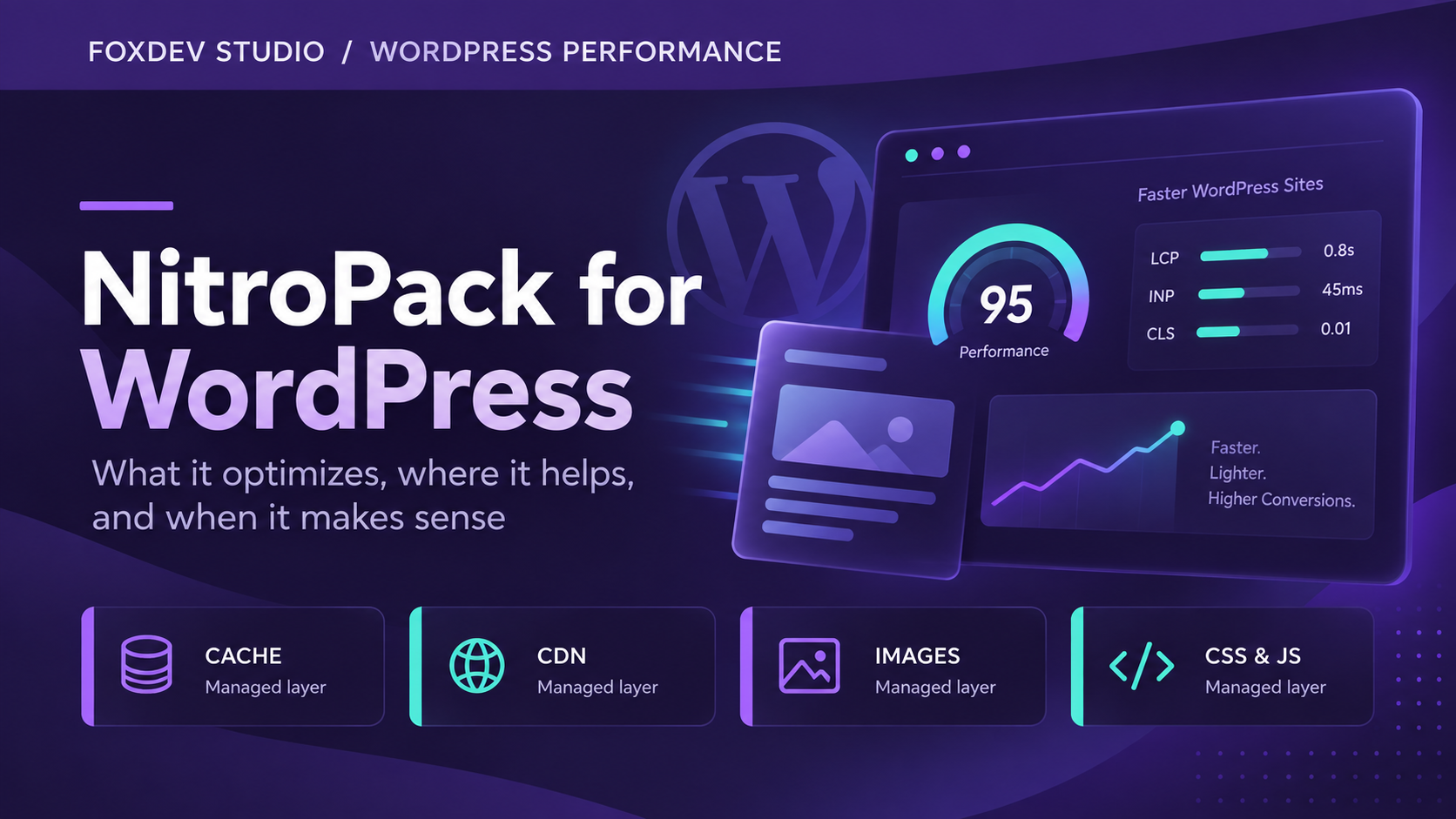

WordPress performance work rarely lives in one setting. A site may need caching, image handling, a CDN, CSS and JavaScript delivery changes, font controls, cache invalidation, and compatibility testing. Those pieces can be managed separately, but a growing plugin stack is not automatically a better stack.
NitroPack is one option for site owners who want many of those common layers in one managed service. It will not replace a performance review or functional testing, but it can reduce the amount of infrastructure a normal WordPress site owner has to configure and maintain.
What NitroPack is
NitroPack is a WordPress performance service that combines site caching, a CDN, image optimization, and front-end resource optimization behind one configuration layer. Its WordPress plugin connects the site to the service; it is not simply another plugin that runs every optimization locally.
The useful distinction is consolidation. Instead of assembling separate tools for page caching, image conversion, asset delivery, and some front-end optimization, a site can use NitroPack to establish a managed baseline. That can be a good fit when the alternative is a pile of overlapping settings no one is actively checking.
For a broader view of the tools FoxDev recommends and why, see our Affiliates page.
What it actually handles
Cached delivery and cache warming
NitroPack can serve cached versions of eligible pages through its CDN and warm the cache so a visitor is less likely to be the first person waiting for a page to be generated. That is useful for public marketing and content pages, where the same page is requested repeatedly.
Caching is not a substitute for a well-built page, and it needs the right exclusions for personalized or transactional areas. It does, however, remove a common source of slow first-time page loads when it is configured carefully.
Images and media
Large images are still one of the most common avoidable causes of slow pages. NitroPack can optimize images, serve WebP where supported, and lazy-load off-screen media. The visitor gets fewer bytes up front; the browser has less work before the useful part of the page appears.
CSS, JavaScript, HTML, and fonts
The service includes controls for optimizing CSS, JavaScript, HTML, and font delivery. In practical terms, the aim is to reduce how much the browser downloads, parses, and blocks on before rendering a page. Those controls can improve the delivery of a page, but they are also the settings most likely to expose a theme, page builder, or plugin dependency that needs an exclusion.
Controls, exclusions, and testing
A serious performance setup needs the ability to exclude a script, URL, cookie, or page when it affects a real feature. NitroPack provides configuration and exclusion controls, but the site owner still needs to test the behavior visitors rely on. Its current documentation is the right place to check feature details before changing a live configuration.
Review the plans, then test NitroPack against the pages visitors rely on.
Why FoxDev finds it useful
Many WordPress sites end up with a caching plugin, an image plugin, a CDN setting, a CSS/JavaScript optimizer, and several conflicting recommendations from plugin dashboards. NitroPack is interesting because it can consolidate much of that common work into one managed system.
That does not make it the right choice for every site. It does make it worth considering when the priority is a simpler performance stack, an easier baseline, and fewer moving parts to maintain. It also fits naturally alongside the technical SEO and performance work covered in our SEO & Growth services.
Where NitroPack makes sense
- Business and brochure WordPress sites that have become slow over time.
- Content sites that need a repeatable caching, image, and CDN baseline.
- Sites with weak Core Web Vitals where no one wants to manage several optimization plugins independently.
- Teams that want to simplify a performance stack without treating PageSpeed scores as the only goal.
It is especially relevant when a site is technically ordinary but operationally neglected: too many uncoordinated plugins, images uploaded without a process, stale cache settings, or no one responsible for checking the logged-out experience.
Where it may not be necessary
NitroPack may add little value to a site that already has a carefully configured host cache, CDN, image pipeline, and front-end optimization process. It can also be a poor first move for an unusual application, a heavily personalized site, or a site where a custom stack needs to be understood before another optimization layer is introduced.
In those cases, start with an audit. A good performance tool should simplify the system, not conceal a problem or create another place for settings to conflict.
WooCommerce needs a real test plan
An ecommerce site should never assume that a performance configuration is safe because product pages look fast. After enabling or changing NitroPack, test the same journeys a customer uses:
- Cart and checkout
- Login and coupons
- Inventory updates and payment flow
Pages with personalized data or transactional behavior often need exclusions. Performance gains do not justify a broken purchase path. For ongoing WordPress change management and functional checks, see WordPress Maintenance & Security.
What to expect from performance work
Results vary with the theme, hosting, plugin stack, page weight, visitor geography, and how much the site can safely optimize. PageSpeed Insights is useful for measuring before and after, but it is not the business goal by itself. A fast, stable page that still lets visitors use forms, navigation, checkout, and other important features is what matters.
Measure the site before and after, check both mobile and desktop, and test the real journeys that create leads or revenue. If an optimization breaks a feature, it needs an exclusion or a different approach.
Pricing
At the time of publication, NitroPack offers a free plan with 1,000 monthly pageviews and 1 GB of CDN bandwidth. Paid plans start at $7 per month on annual billing ($8 month-to-month) for 8,000 pageviews and 5 GB of CDN bandwidth. Plus starts at $18 annually billed ($22 month-to-month) for 40,000 pageviews and 25 GB; Pro starts at about $83 annually billed ($100 month-to-month) for 540,000 pageviews and 270 GB. NitroPack currently presents Agency pricing as custom.
Plans, pageview allowances, bandwidth limits, and prices can change. Check NitroPack’s current pricing before purchasing.
See whether NitroPack fits your site
NitroPack is worth a look when you want to consolidate common WordPress performance work without pretending that one switch solves every underlying issue. Review the plan limits, test it against the pages that matter, and keep functional QA in the process.