
A WordPress website can run quietly for a long time. That is one reason business owners underestimate the support it needs. The site may look fine today, but plugins still update, forms still need to deliver, backups still need to work, spam and security risks still change, and the business still depends on visitors being able to contact you.
Ongoing support is not just “someone updates plugins.” It is a practical safety net for a business asset that can affect leads, trust, and operations.
Here are the signs your WordPress site needs ongoing support.
1. Updates feel risky
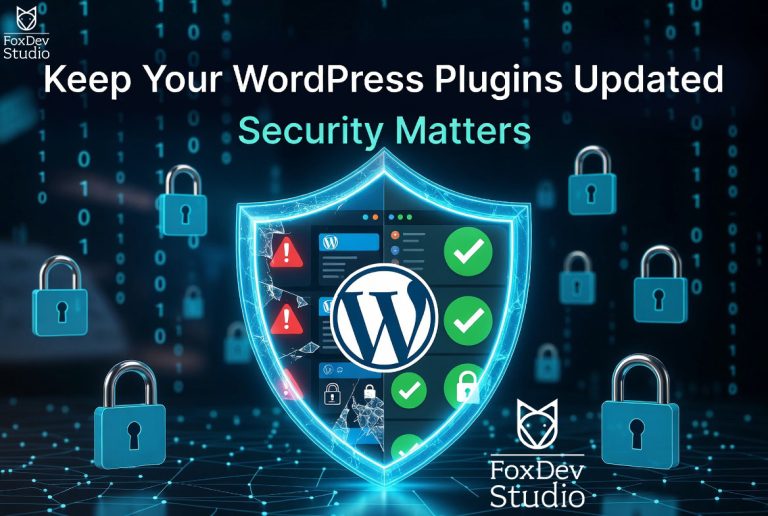
If plugin or theme updates make you nervous, that is a signal. Updates are necessary for security and compatibility, but applying them blindly can break layouts, forms, payment flows, integrations, or custom code.
Ongoing support should include a repeatable update process: check what changed, make sure backups exist, apply updates carefully, test important pages, and know how to roll back if something breaks.
If nobody owns that process, the site is drifting.
Related service: WordPress Maintenance and Security
2. The site has business-critical forms
A contact form, estimate request, booking form, or intake form is not just a design element. It is part of the sales process.
Forms can fail because of plugin updates, email deliverability problems, spam filtering, JavaScript errors, hosting restrictions, or configuration changes. A visitor may think the message was sent while the business never receives it.
Ongoing support should include periodic form testing and a clear path for fixing failed submissions quickly.
3. No one checks backups until something breaks
Backups only matter if they can be restored. A site can have a backup plugin installed and still be exposed if backups are incomplete, stored in the wrong place, too old, or never tested.
A support plan should answer simple questions:
- Where are backups stored?
- How often do they run?
- Do they include files and database content?
- Who knows how to restore them?
- What is the rollback plan after a bad update?
If those answers are unclear, the site needs support before the next emergency.
4. Performance has become normal bad
Slow pages often become accepted because they degrade gradually. A new plugin adds scripts. A new image is too large. A cache setting changes. A third-party widget loads everywhere. Nobody notices until users start leaving or the site feels embarrassing to share.
Ongoing support should include watching the pages that matter most: homepage, service pages, contact page, and any page used in campaigns or client referrals.
Performance support does not always mean a major rebuild. Sometimes it means cleaning up images, cache, plugins, scripts, or a few heavy page sections.
5. The site has custom behavior
Custom forms, snippets, integrations, tracking scripts, redirects, member areas, imports, or API connections make a WordPress site more valuable. They also make it more important to have someone who understands the moving parts.
If custom behavior breaks, a generic plugin update checklist is not enough. Someone needs to know what the feature does, how it is supposed to work, and how to verify it after changes.
Related service: WordPress Development Services
6. You only think about the site during emergencies
If the site only gets attention when something is broken, every fix becomes more expensive and stressful than it needs to be. Ongoing support turns the site into a maintained system instead of a recurring surprise.
That does not mean every business needs an enterprise retainer. It means the level of support should match the risk. A small brochure site has different needs than a lead-generation site with service pages, tracking, forms, testimonials, and custom workflows.
What ongoing support should include
A useful WordPress support relationship should be clear about what is covered. At minimum, ask whether it includes:
- WordPress, theme, and plugin update handling
- Backup review and restore planning
- Security and spam checks
- Form and contact-path testing
- Basic performance review
- Troubleshooting when something breaks
- Small content or layout adjustments
- Clear escalation for larger development work
The best support plan is specific enough that both sides know what happens every month and what counts as separate project work.
DIY vs. managed support
DIY can work when the site is simple, low-risk, and someone has time to maintain it. Managed support makes more sense when the site creates leads, supports active campaigns, contains custom behavior, or would cost the business money or trust if it broke.
The question is not “Can I click update myself?” The better question is “Do I know how to test the site after the update, and do I have a rollback path if something fails?”
Need steady WordPress support?
FoxDev Studio helps businesses maintain, troubleshoot, and improve WordPress websites without waiting for a crisis.
Ask about WordPress maintenance
For one-off support issues, you can also start here:
Frequently Asked Questions
How often does WordPress need maintenance?
Business-critical WordPress sites should be reviewed regularly. The right cadence depends on plugin count, custom code, traffic, form importance, and how often content changes.
What happens if I do not update plugins?
Outdated plugins can create security risk, compatibility issues, broken layouts, or failed features. The risk grows when no one is checking backups and testing key pages after updates.
Is a maintenance retainer worth it for a small site?
It can be, if the site generates leads or supports operations. The retainer should match the risk and include clear expectations about updates, backups, testing, and troubleshooting.
What is the difference between maintenance and support?
Maintenance is proactive care, such as updates, backups, checks, and monitoring. Support is help when something needs attention, such as a broken layout, failed form, plugin conflict, or requested change.